All features
Swap requests handle themselves.
A volunteer wants to change their time slot? They send a request, the other accepts. You're simply notified — no coordination needed on your part.

A volunteer wants to change their time slot? They send a request, the other accepts. You're simply notified — no coordination needed on your part.

Volunteers initiate their own swap requests, without going through the coordinator.
The person concerned receives the request by email and accepts or declines in one click.
Requester, recipient, and coordinator are notified at every step of the swap.
You stay notified of every swap without having to manage it. The schedule updates automatically.
Easy as pie
They select the time slot they want to swap and propose it to another volunteer.

They get an email and accept or decline in one click from their inbox.
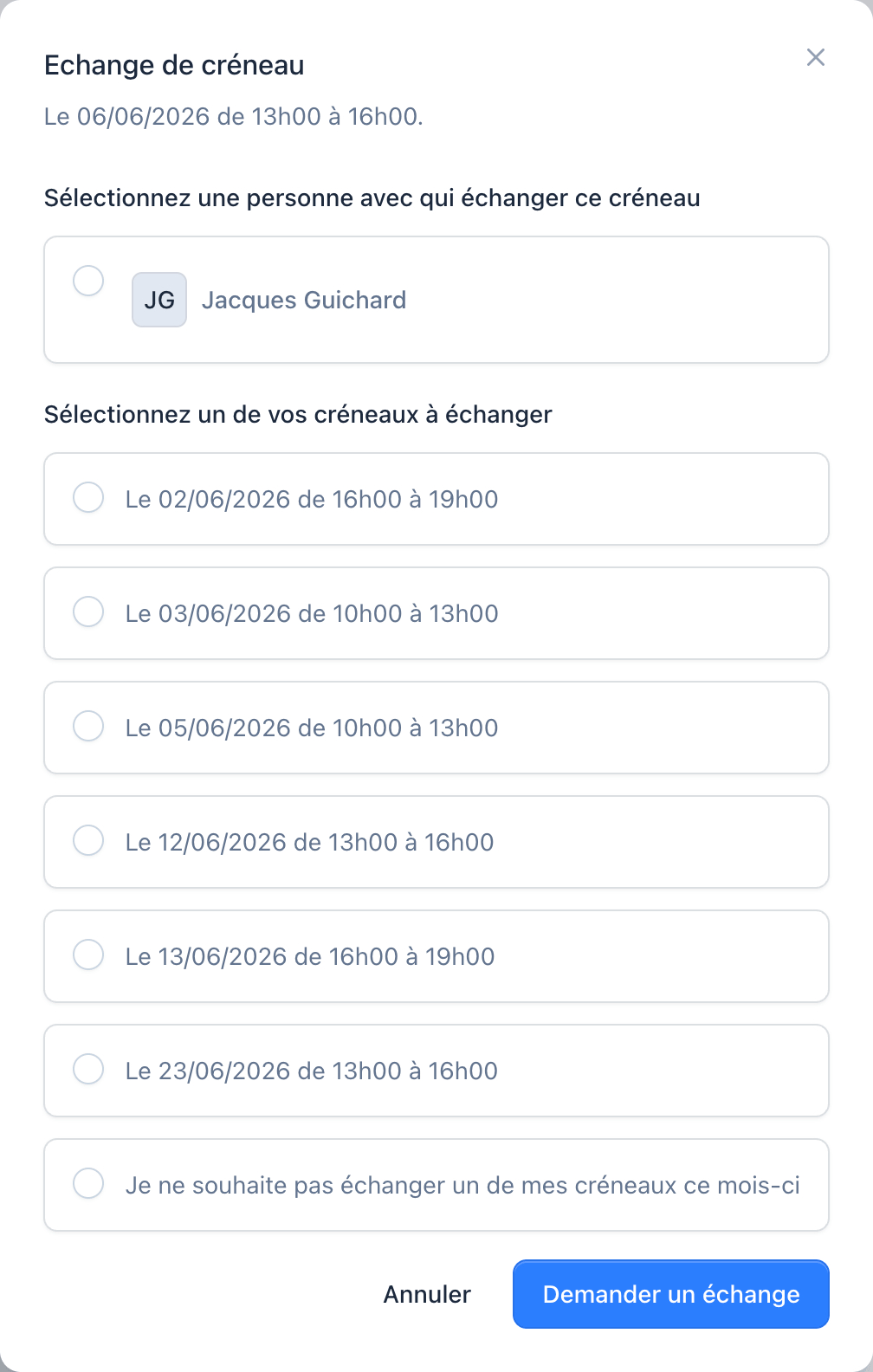
If the swap is accepted, the schedule updates automatically. You're notified of the outcome.
No, swaps happen directly between volunteers. You're notified but don't need to step in.
The volunteer who requested the swap is notified of the refusal. The schedule stays unchanged.
Yes, you can disable the swap feature for specific teams or schedules.
Requests stay active until they're accepted, declined, or cancelled by the requester.